


Product description
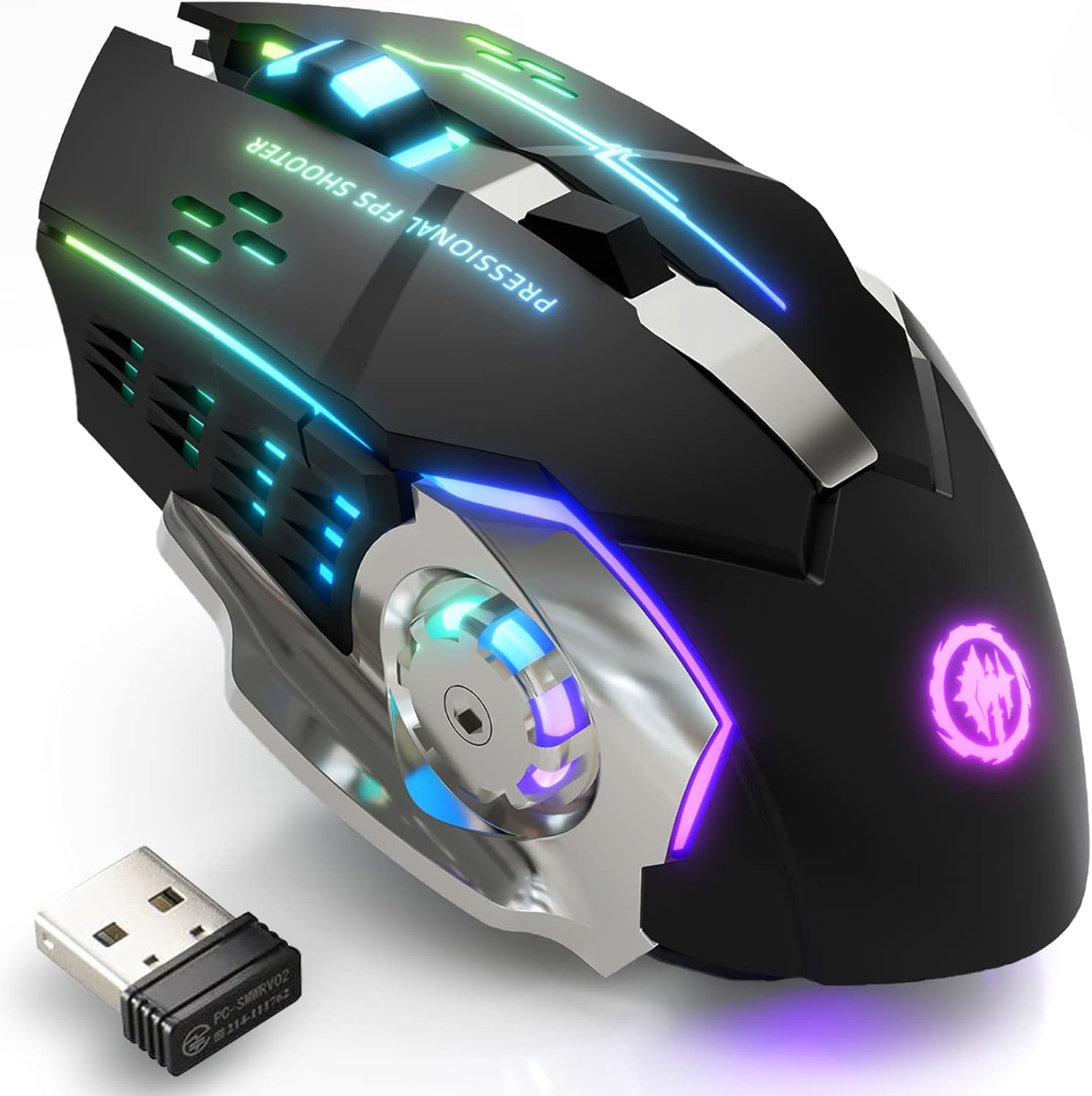
Bluetooth & 2.4GHz Wireless Gaming Mouse
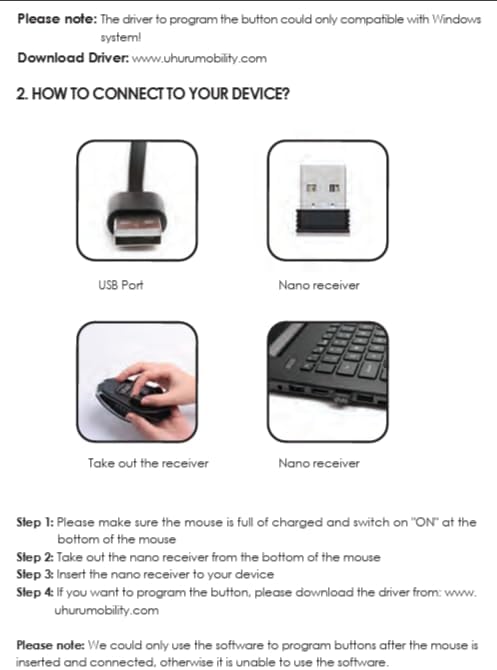
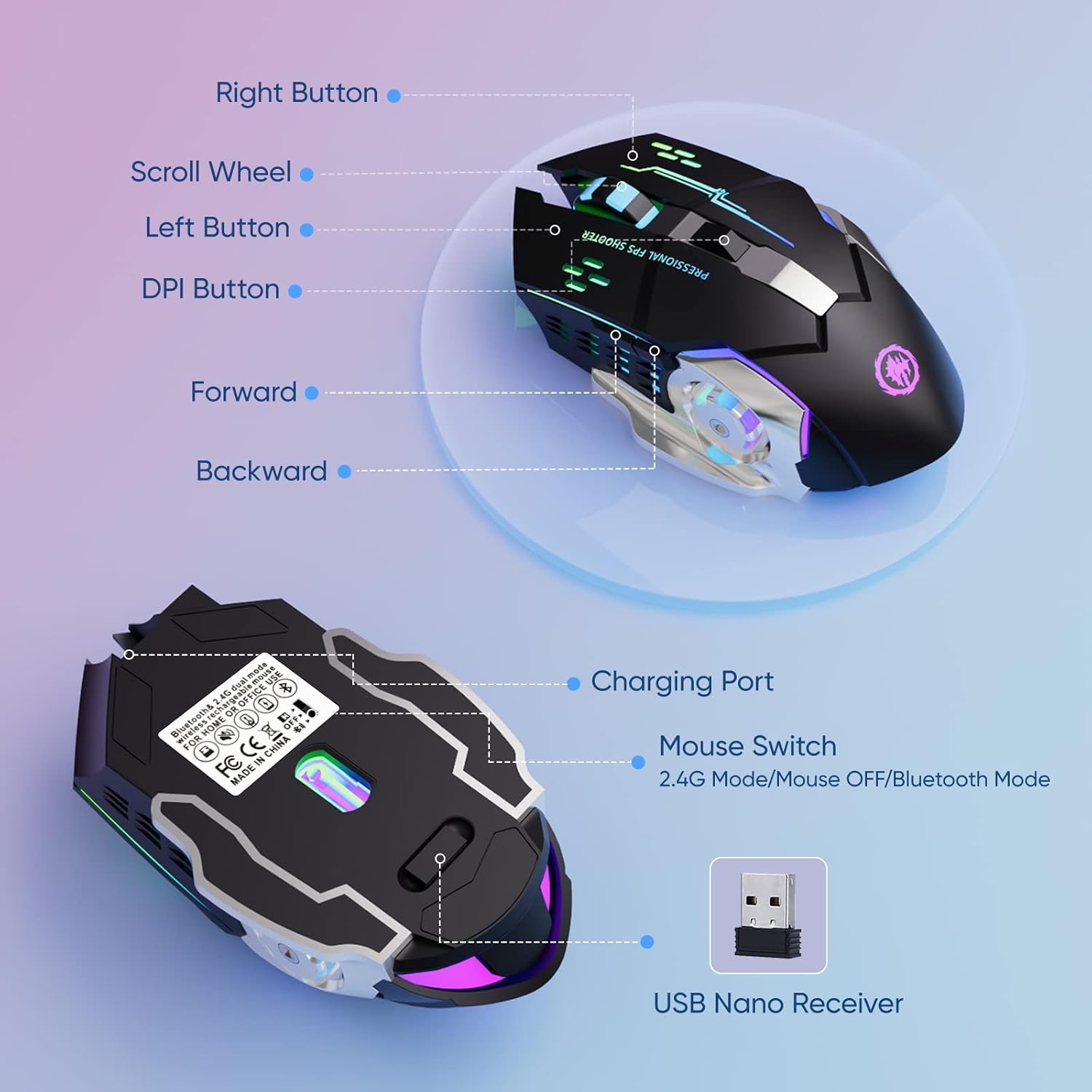
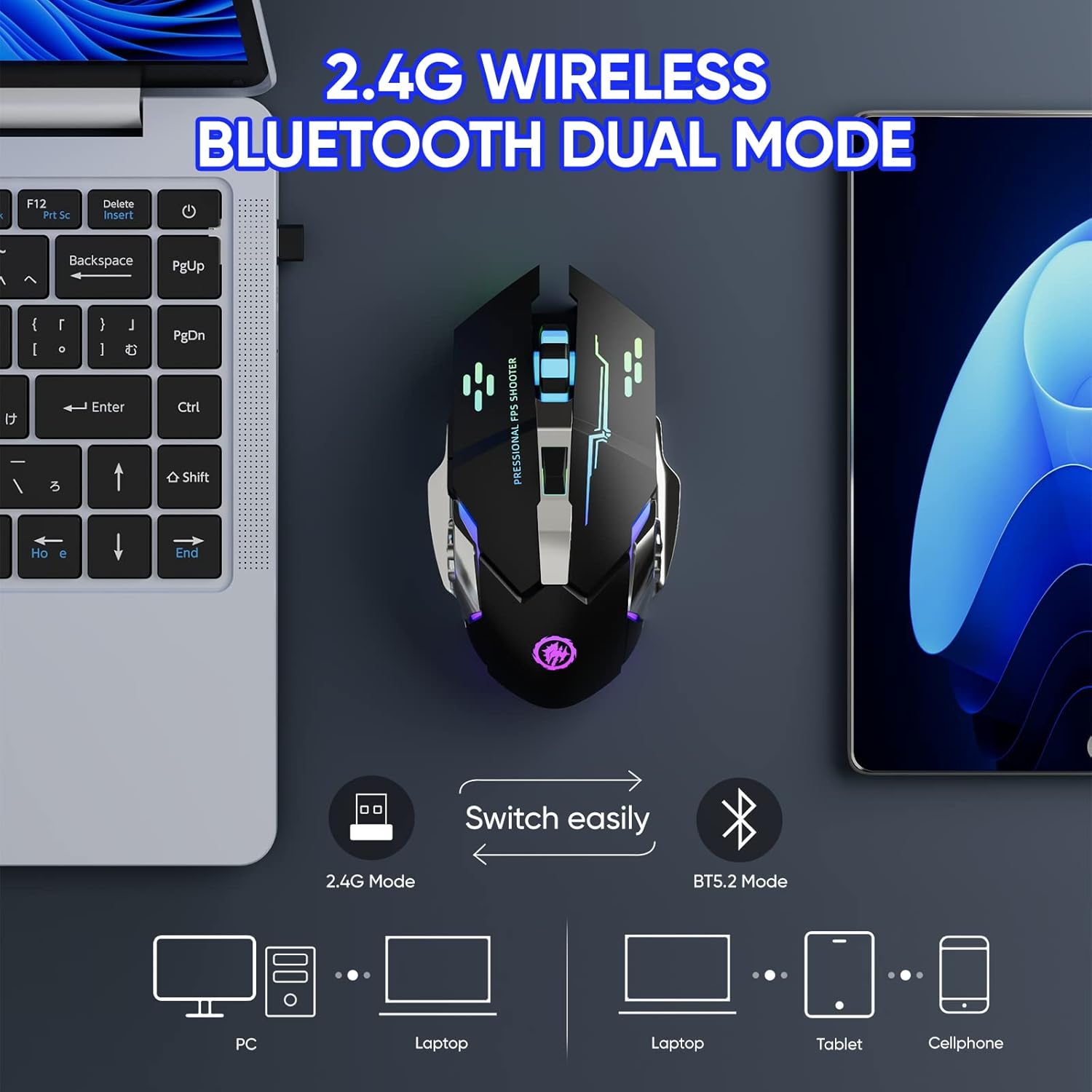
Bluetooth Connection: Support Windows 8/10, Mac OS, iPad, or iPhone Series ( NOTE: It is required to update your system to iPad OS 13/ iOS 13 or Above and Turn on the “Assistive Touch” on the iPad/ iPhone: Setting – Accessibility – Assistive Touch for an iPad usage. )
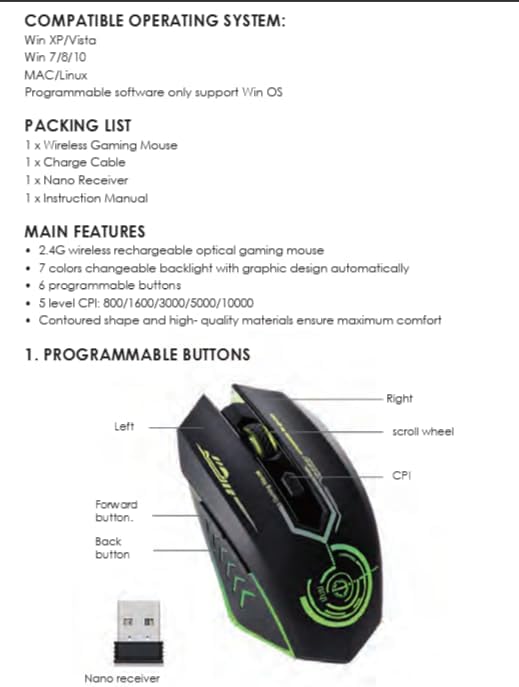
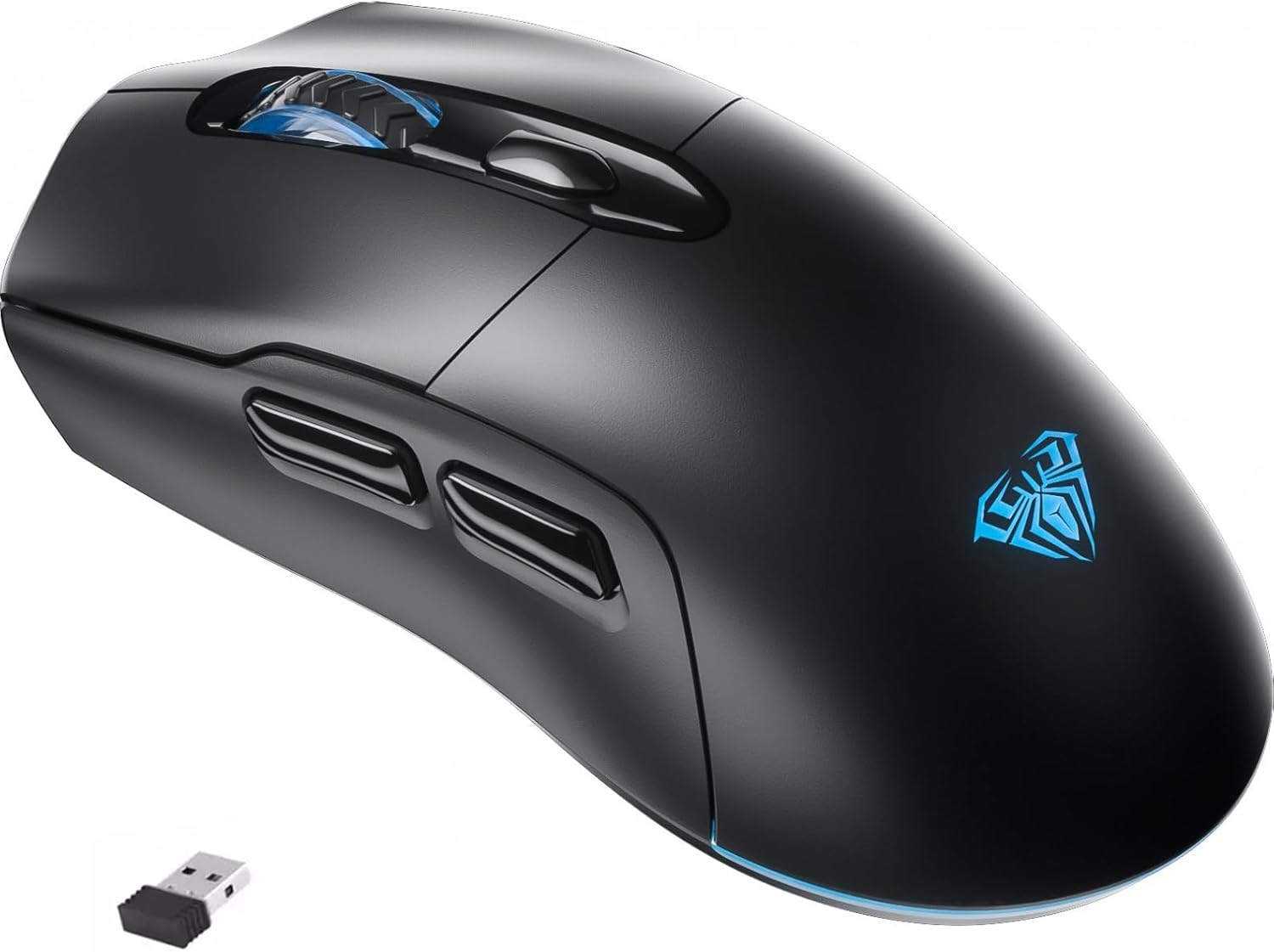
2.4G wireless: Just plug the USB receiver into your laptop/computer, and the mouse will auto-connect with your device, no additional driver or software is needed.
NOTE:
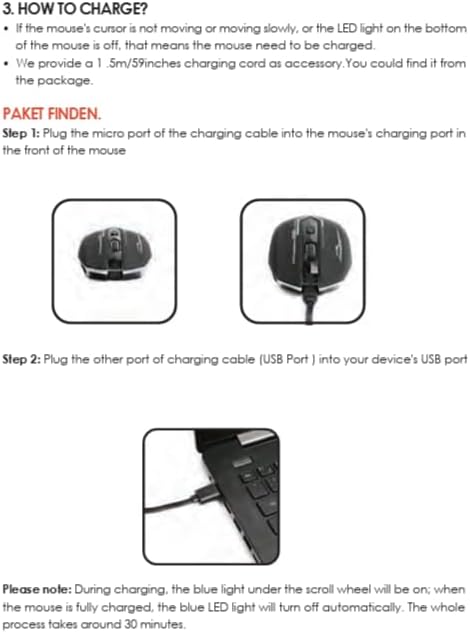
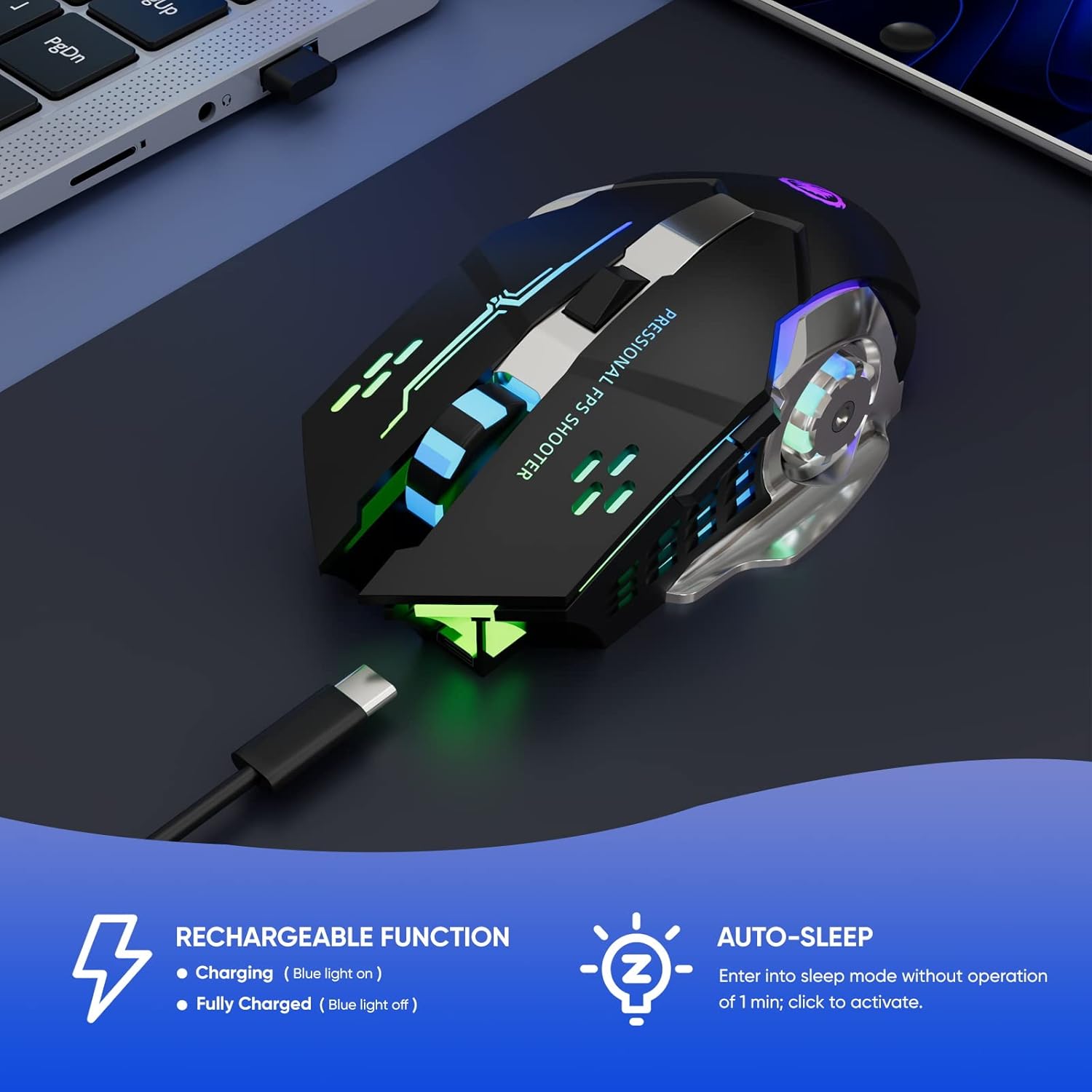
1. Please charge the mouse with the computer interface for about 2 hours before the first time uses it. Do not use the mobile phone charger or fast charger to charge the mouse.
2. It’s out of power if the mouse cursor moves slowly or stops moving. Please charge it in time.
3. The blue light beside the scroll wheel will be on while charging, and then goes off when the mouse is fully charged.
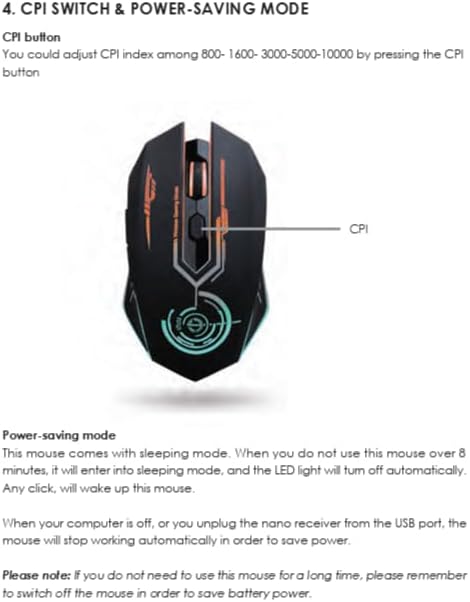
4. When you do not use it for over 1 minute, the mouse will enter into sleeping mode, you can click the left and right buttons to wake it up.
5. The mouse side buttons are not available for Mac OS as Mac OS does not support it.
Product details
- Batteries : 1 Lithium Polymer batteries required. (included)
- Product Dimensions : 13 x 6.2 x 3.8 cm; 100 g
- Date First Available : 26 January 2024
- Manufacturer : MELOGAGA
- ASIN : B0B7PPZVN7
- Item model number : MS010



Reviews
There are no reviews yet.