








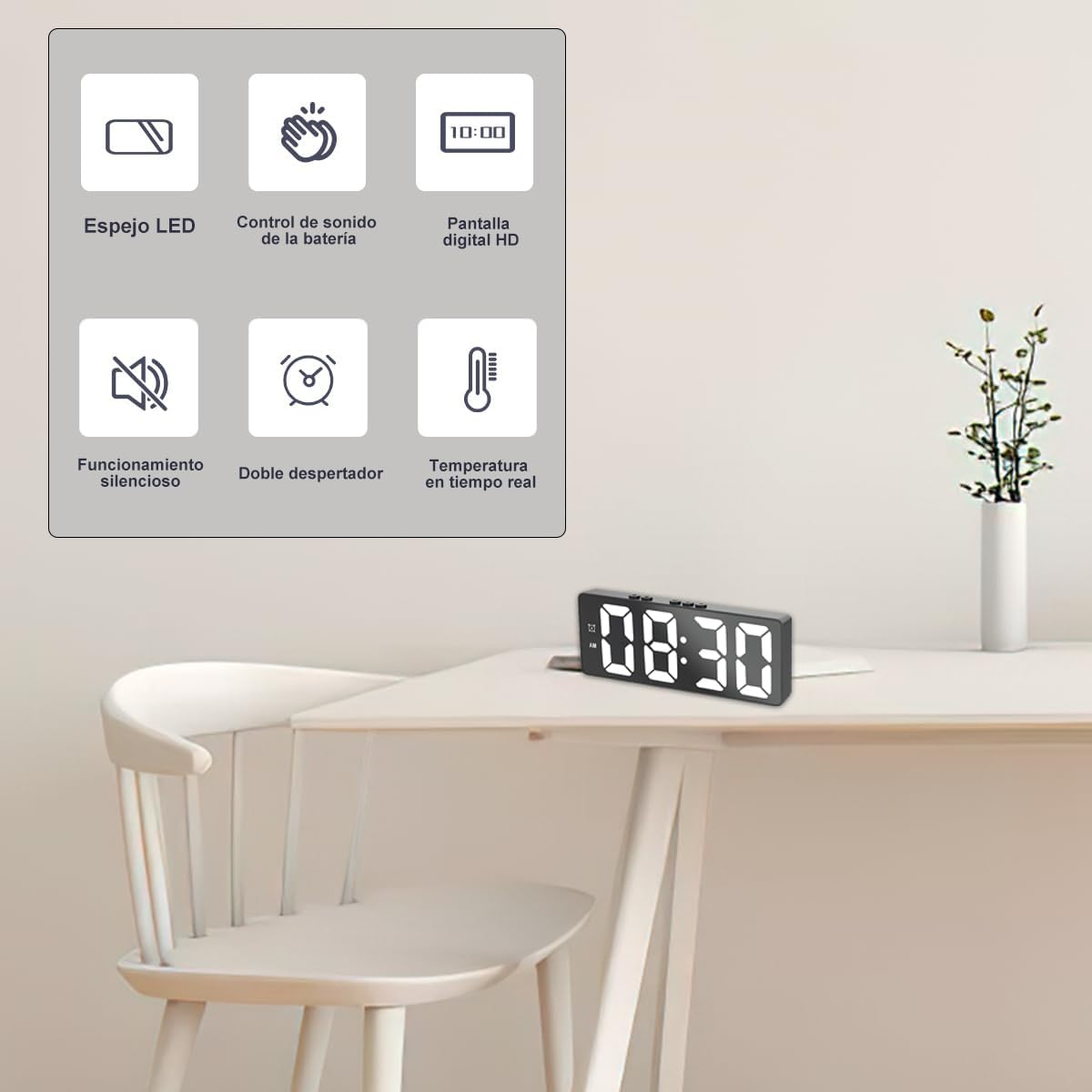
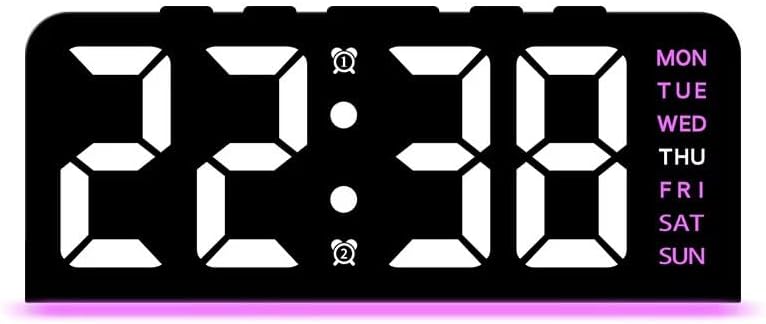
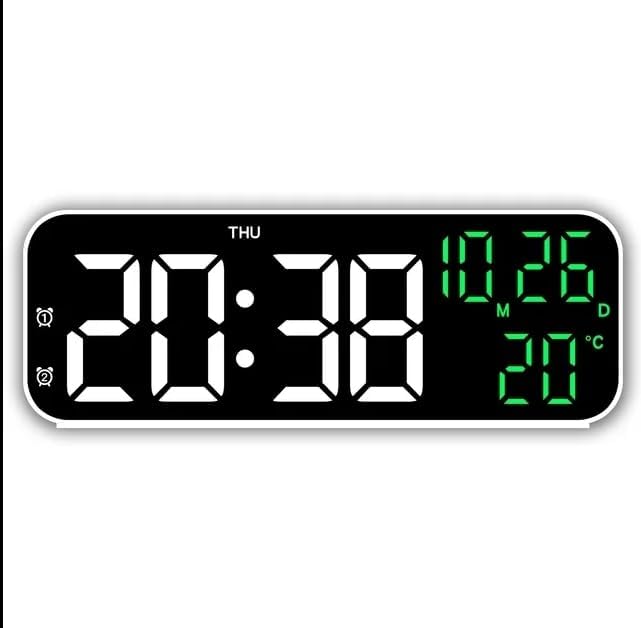
Product description
How do you adjust the time?
1. Press and hold the “Set” key to enter the clock setting, then the clock flashes and adjusts with the “+/-” keys;
2. Press “Settings” again, then the minutes will blink, adjust them with the “+/-” keys and the time will be adjusted;
3. In the normal time display, briefly press the “+” key to convert the 12/24 hour system.
How to set an alarm?
Alarm 1:
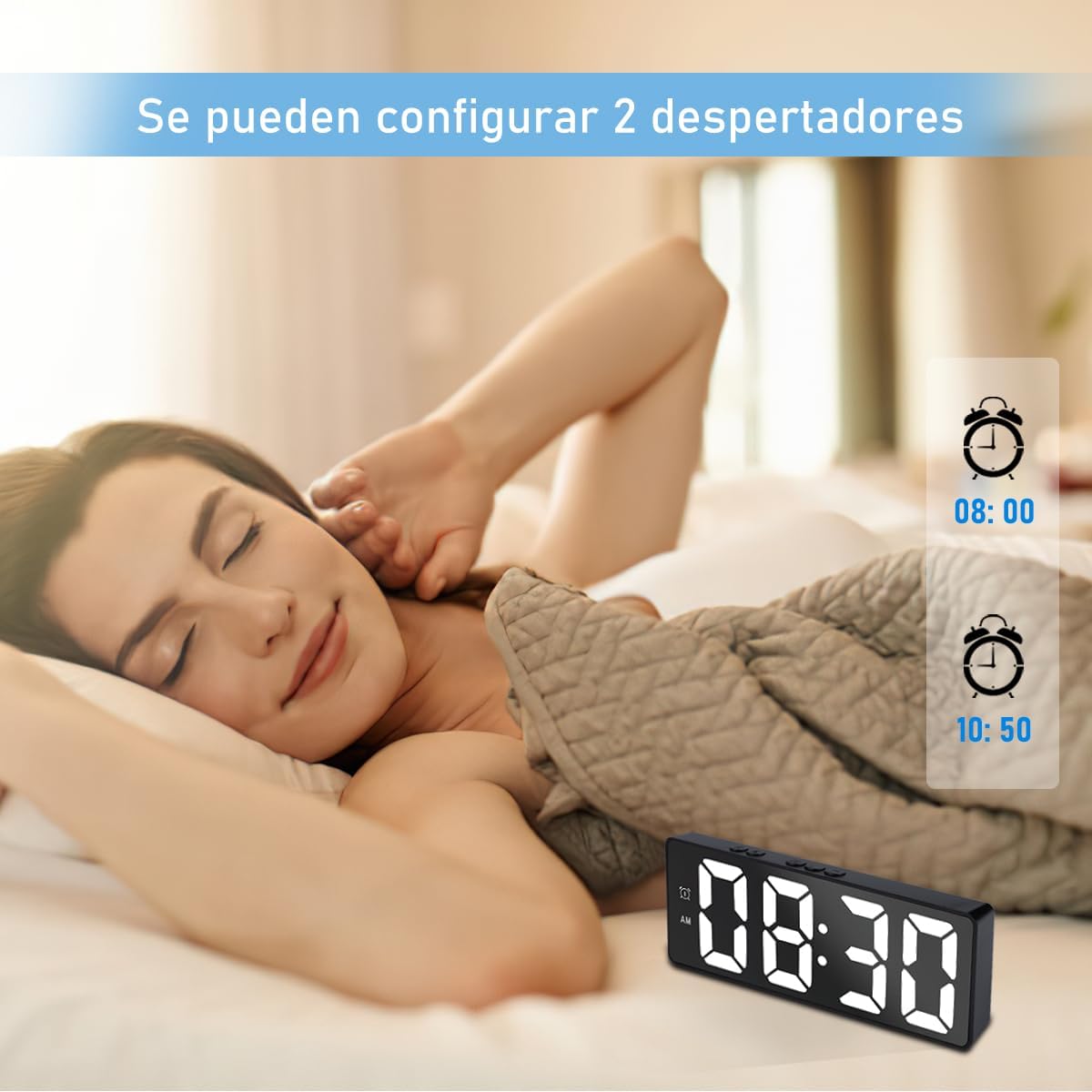
1. Short press “Alarm 1”, the alarm time 1 will be displayed, the default time is 6:00 am;
2. Press and hold “Set” to set the clock minutes for alarm 1, after the setting is complete, the alarm 1 will be activated by default.
Alarm 2:
1. Shortly press “Alarm 2”, alarm time 1 will be displayed, default time is 8:00 am.
2. Press and hold “Set” to set the clock minutes for alarm 2, once the setting is complete, the alarm 2 will turn on by default.
Caution:
When the normal time is displayed, press and hold “Alarm 1” or “Alarm 2” to turn the set alarm on or off.








Reviews
There are no reviews yet.