







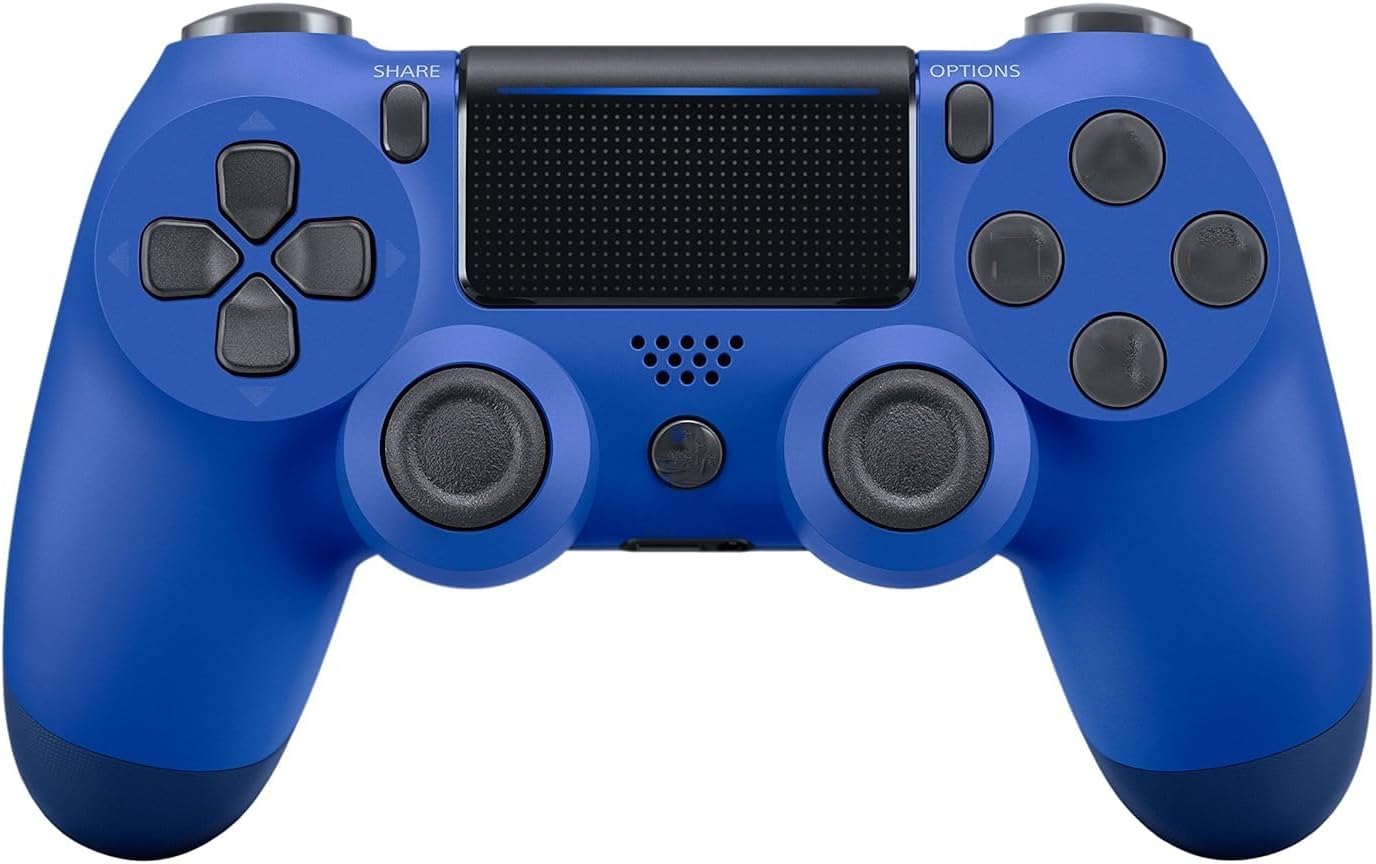
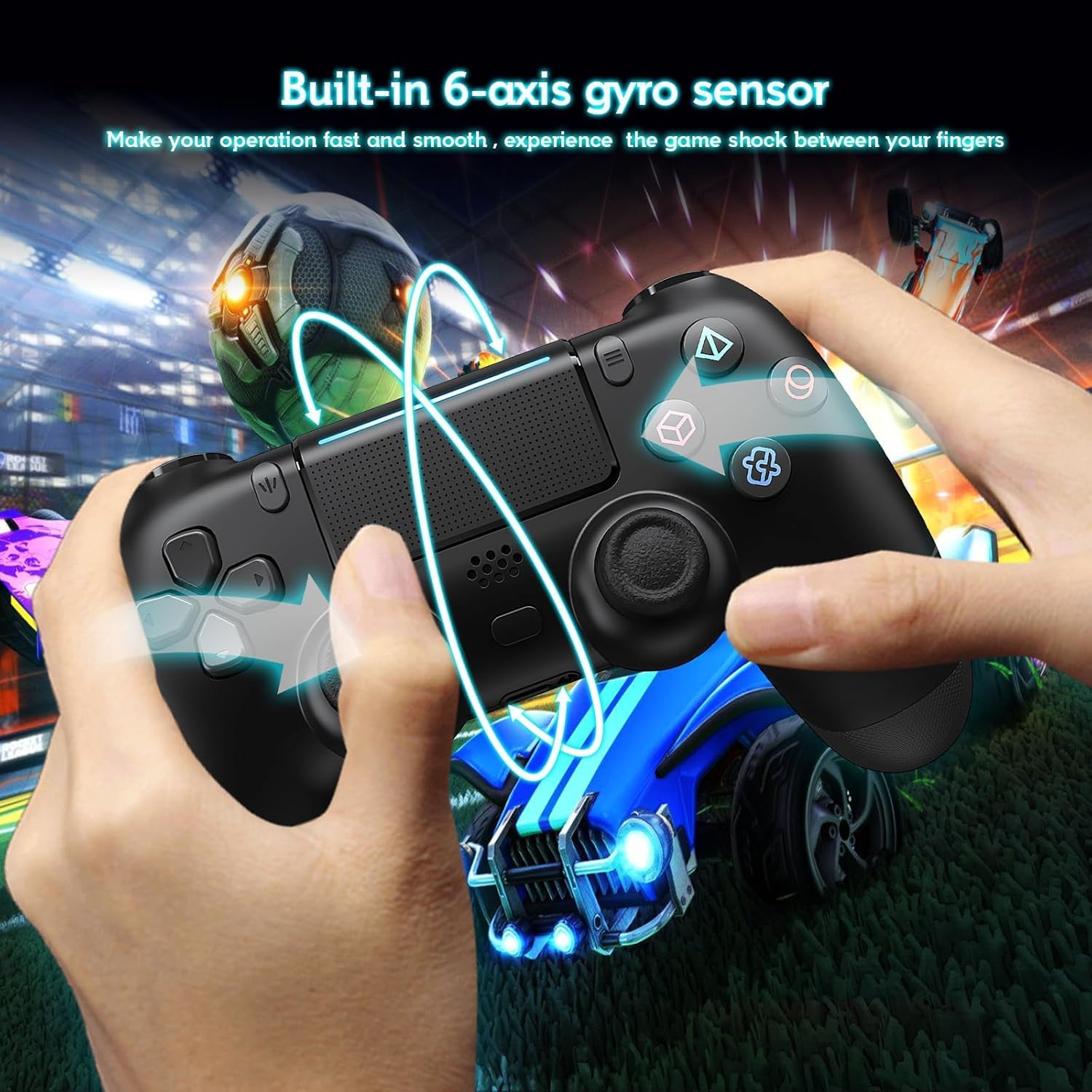
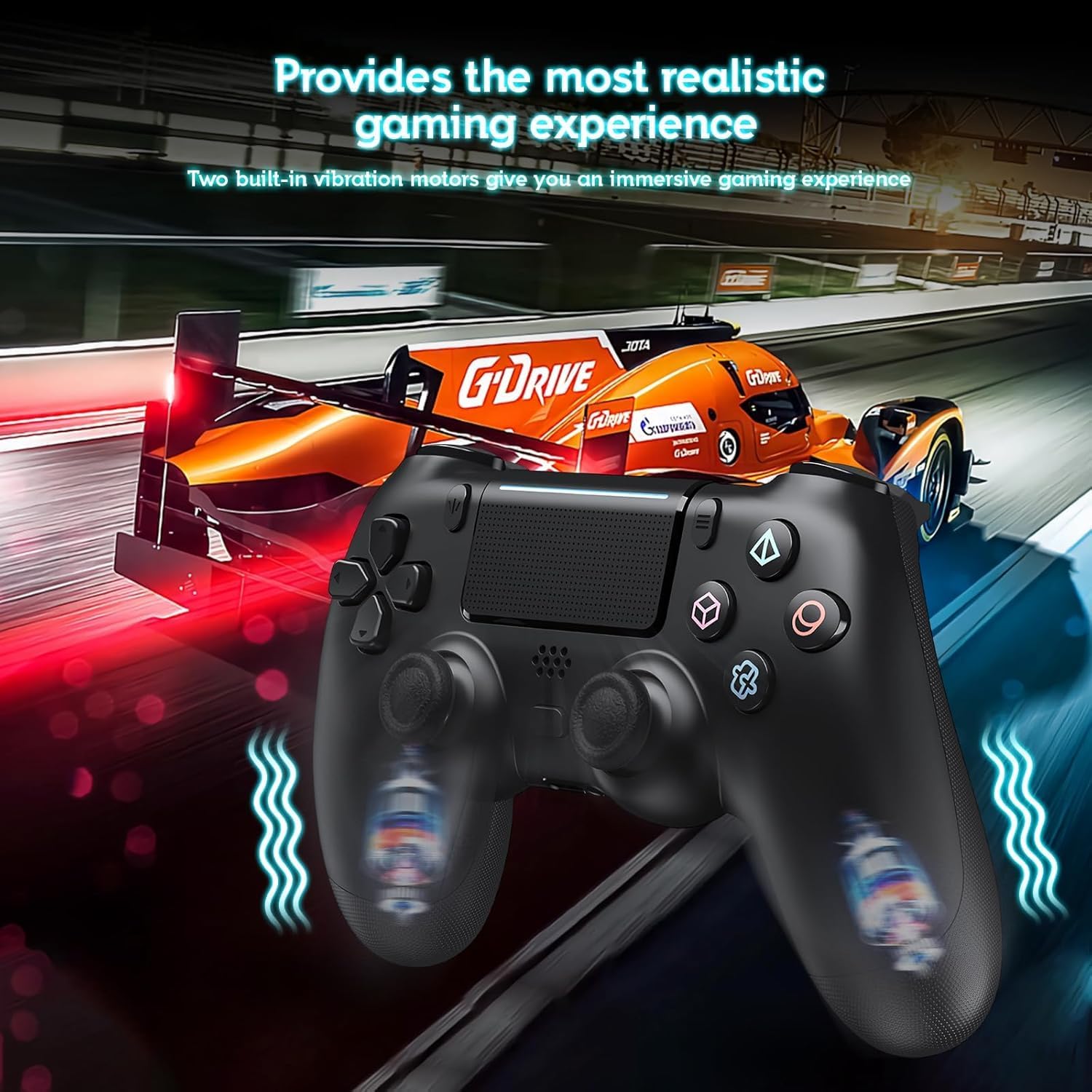
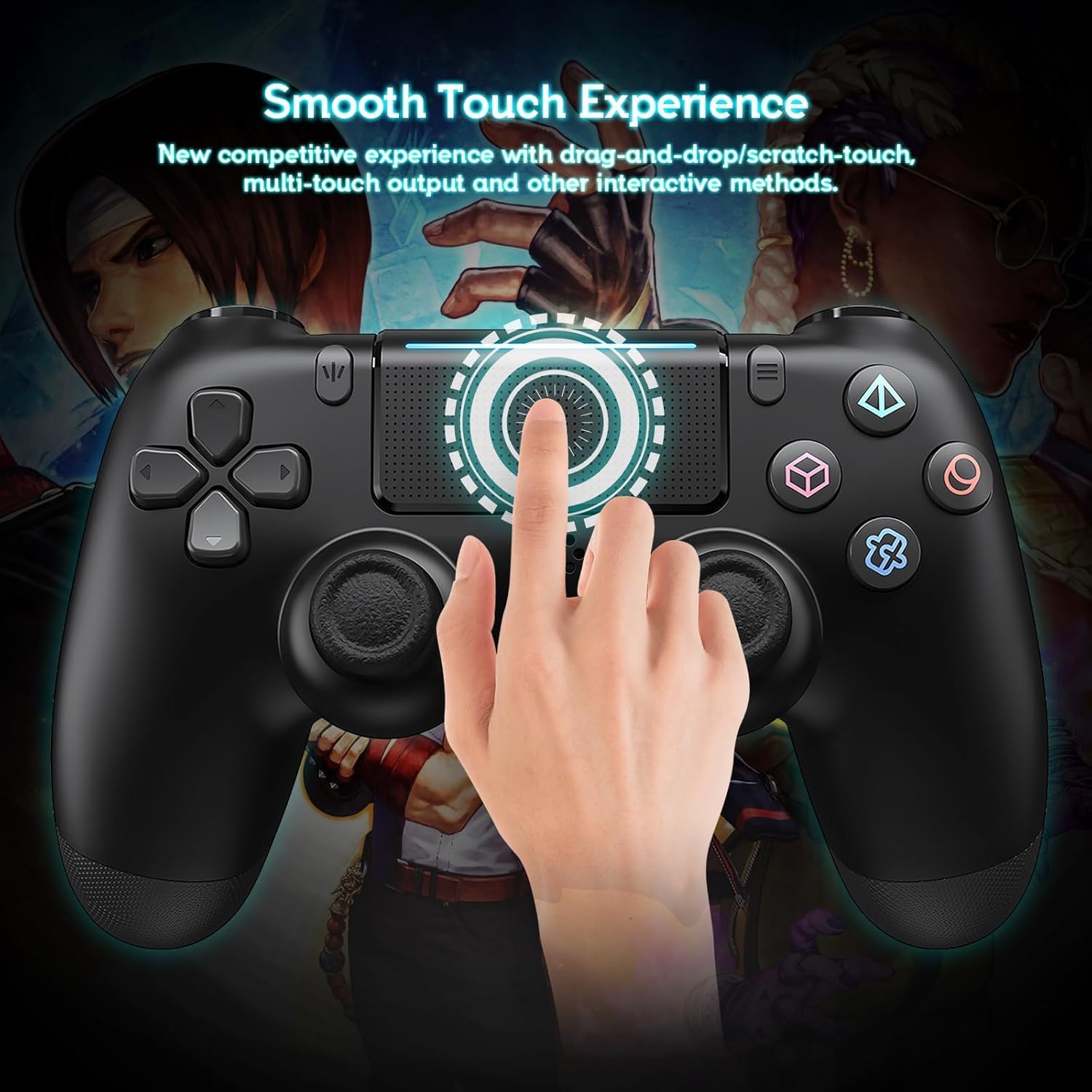
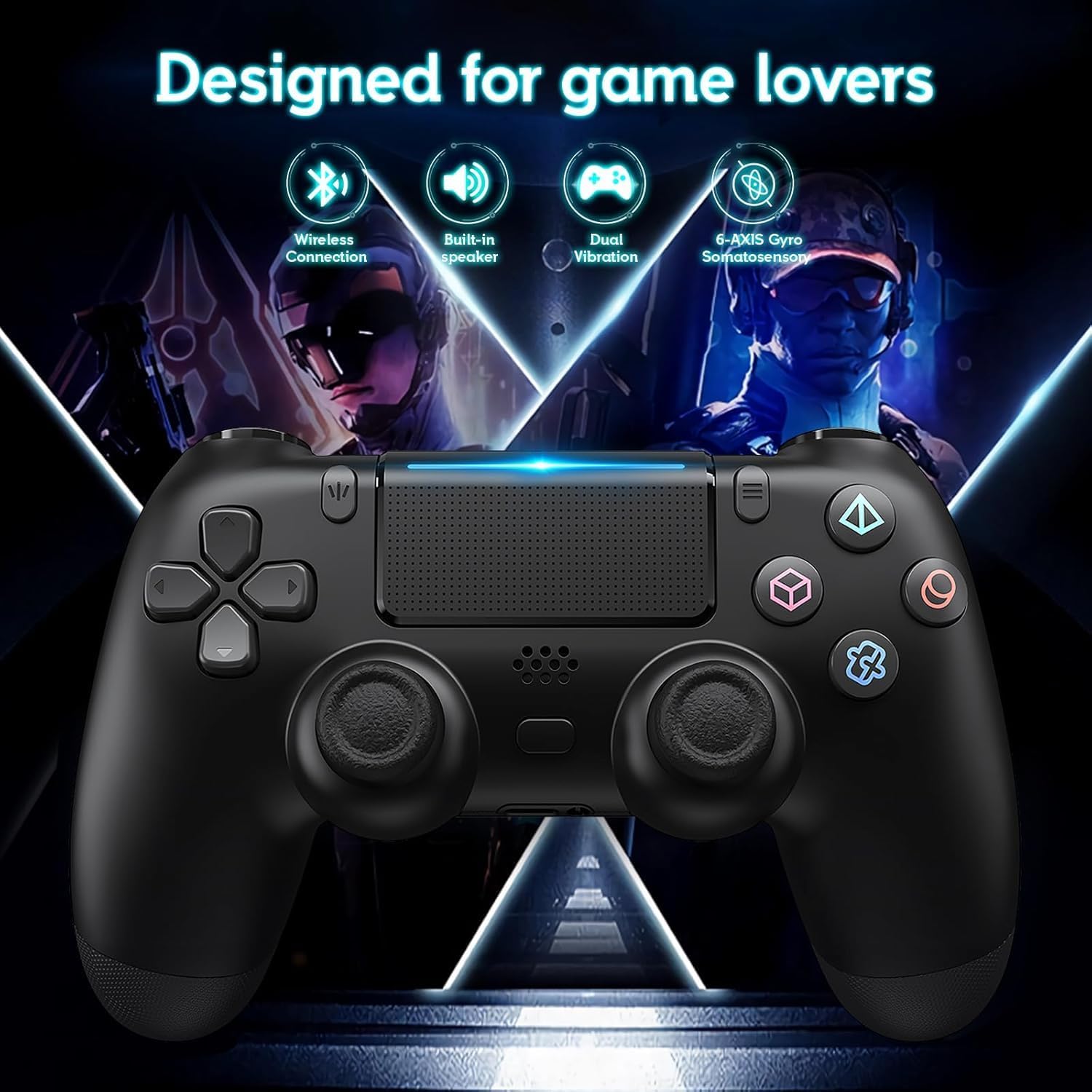
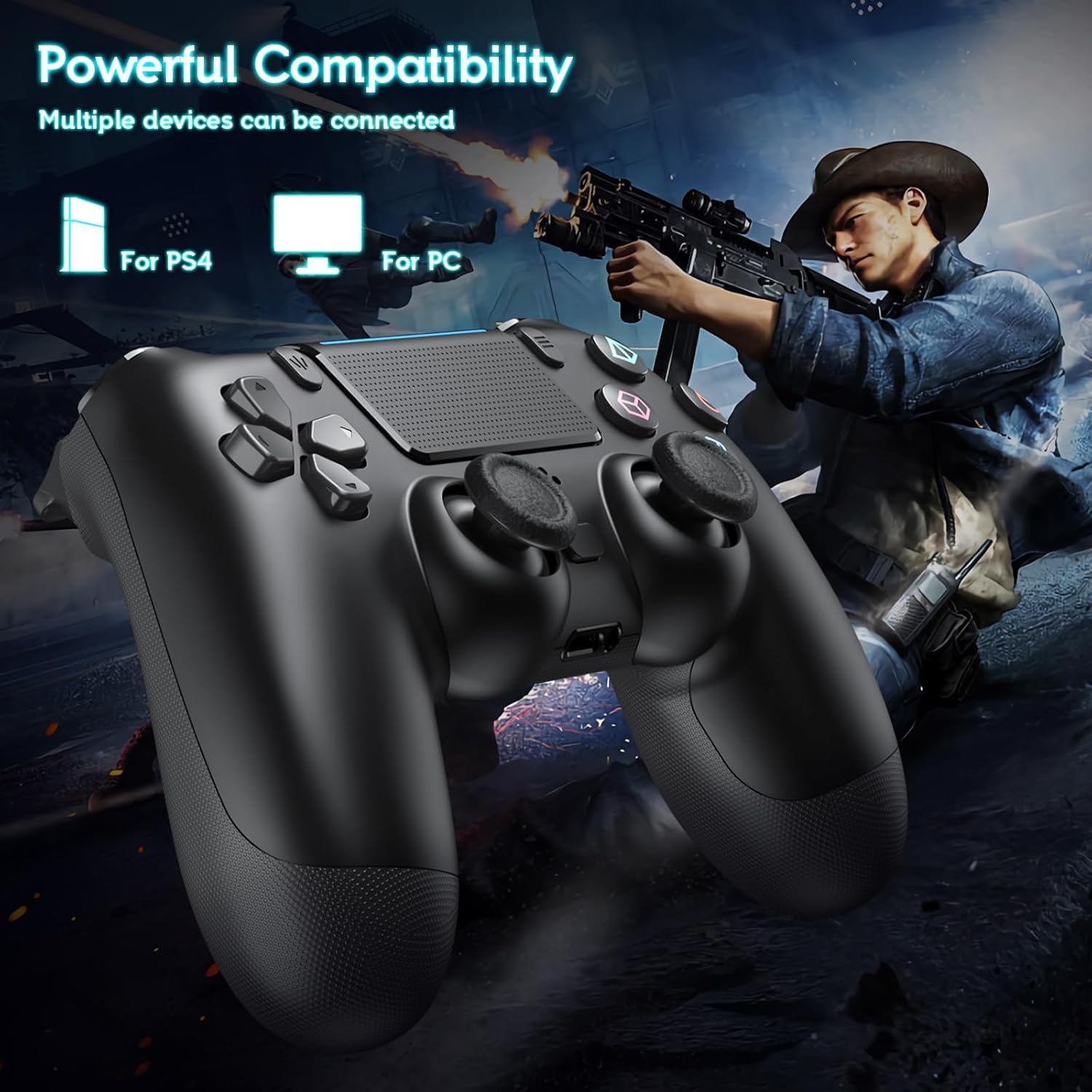
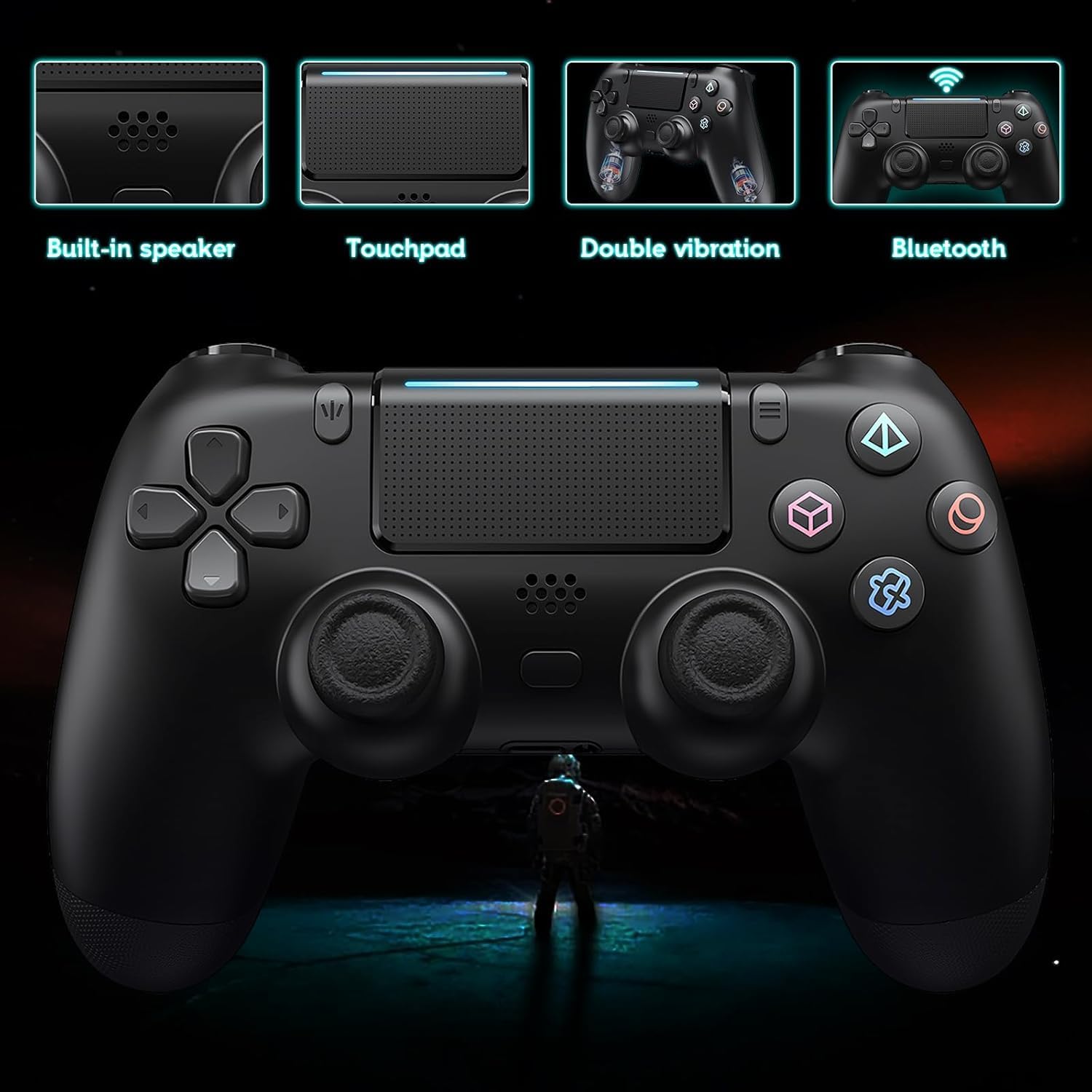
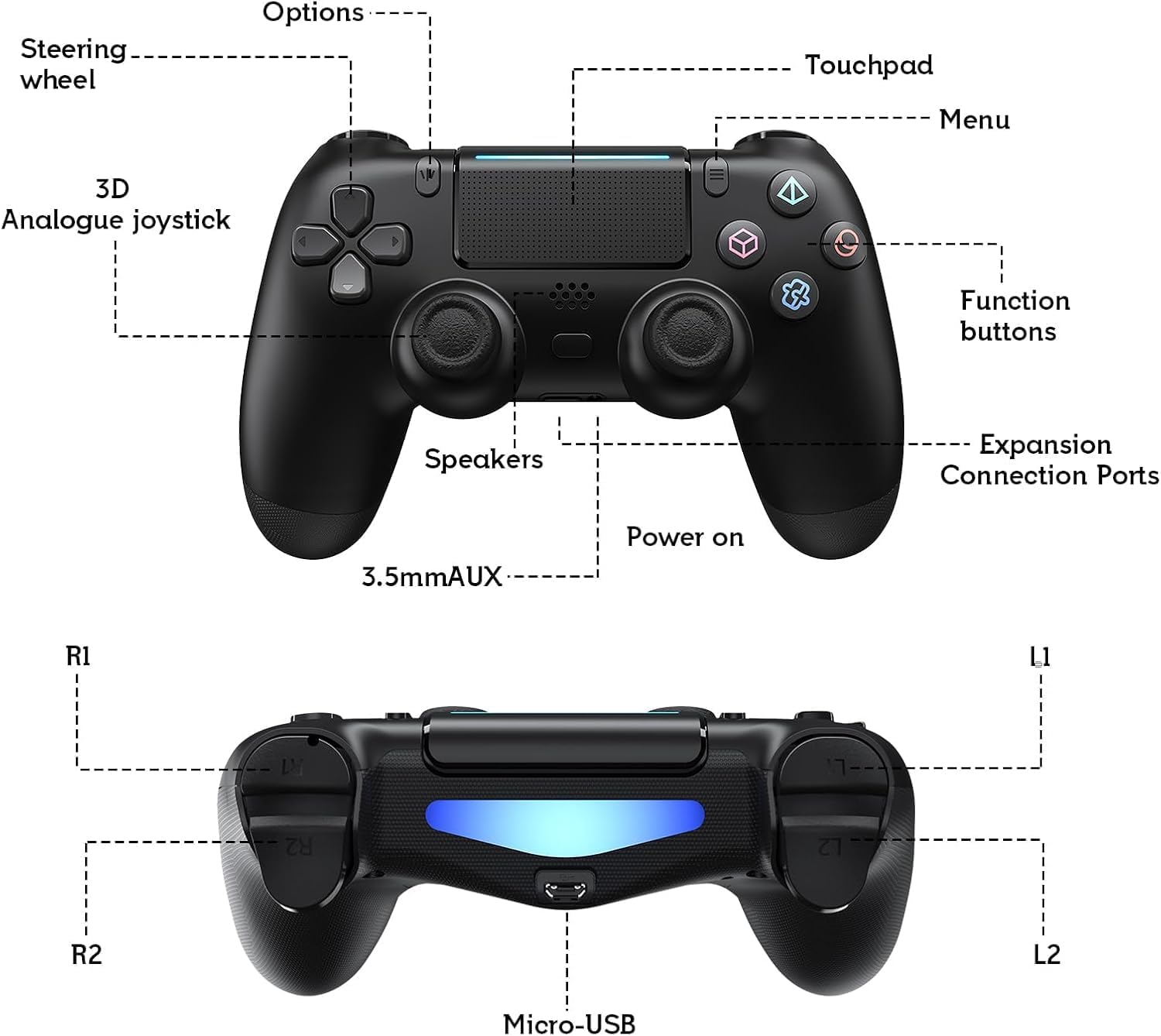
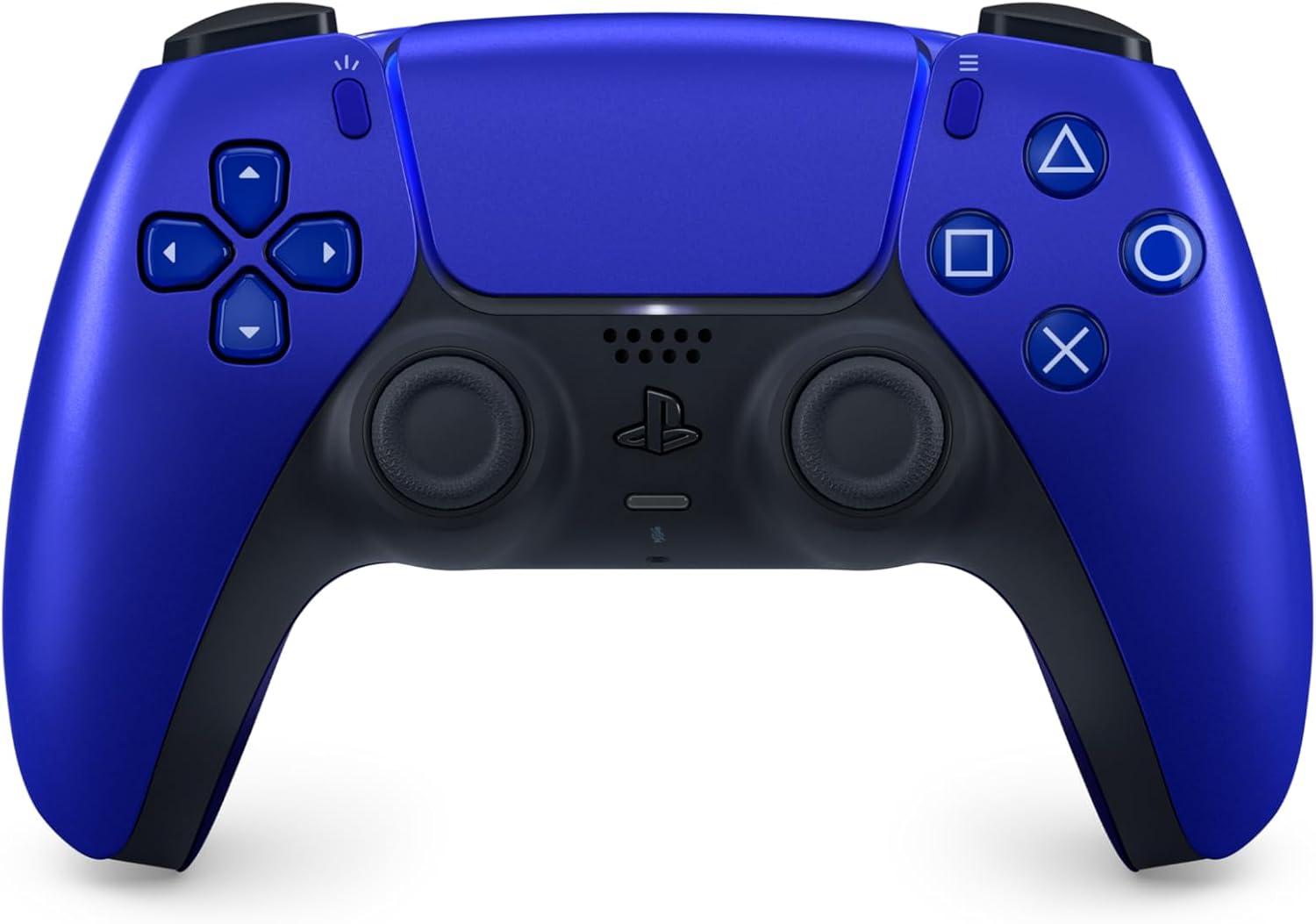

Product description
The first use, if not charged, it may not be available.Before connecting the cable to the host, please do not press the PS key to light the handle light. If you press it first, you must wait for the flashing search to end, then press the PS button again to connect.
How to connect to PS-4 console?
- ✰ Turn on the PS-4 system
- ✰ Connect the controller to the system by plugging the included USB cable
- ✰ Once set (pairing successful), it can be permanently remembered
- ✰ Please activate device with USB cable for the first match connection
- ✰ At the first time, you must use USB cable to connect between controller and console to match. Or you will not be able to connect wirelessly
How to pair the controller for PS4 to PC?
- If your PC has Bluetooth, press “Share” and “Home” buttons before pairing
- If not, you’ll need a Bluetooth adapter. Another way is to connect via Steam
Package Include:
- 1x Wireless Controller for PS4
Note:
- We will provide you with the best solution.
Product details
- Batteries : 1 Nonstandard Battery batteries required. (included)
- Product Dimensions : 16.2 x 10.2 x 5.2 cm; 220 g
- Release date : 31 December 2019
- ASIN : B0FHG3K8DN
- Item model number : CON-BLU
- Country of origin : China
Reviews
There are no reviews yet.